Roamze for Chrome
Never miss a campsite.
Get emailed the moment a sold-out Recreation.gov site opens, see closures for the trail you're looking at, and ask Roamze about any trail page. Free.
Recreation.gov
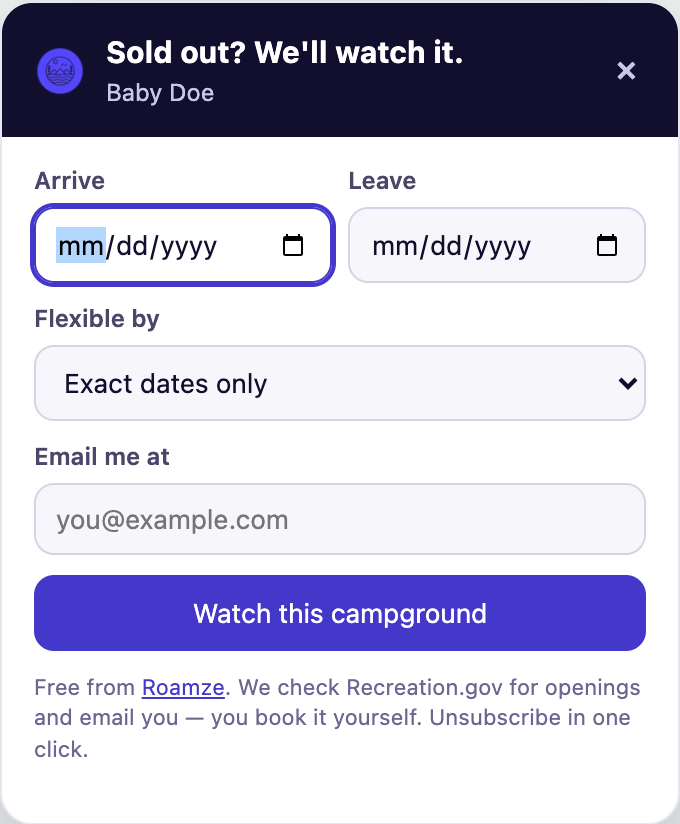
Sold out? We'll watch it.
Open any campground on Recreation.gov and tap “Alert me when a site opens.” Pick your dates and how flexible you are, and Roamze emails you as soon as a site frees up. You book it yourself, as usual.
AllTrails, NPS, Forest Service
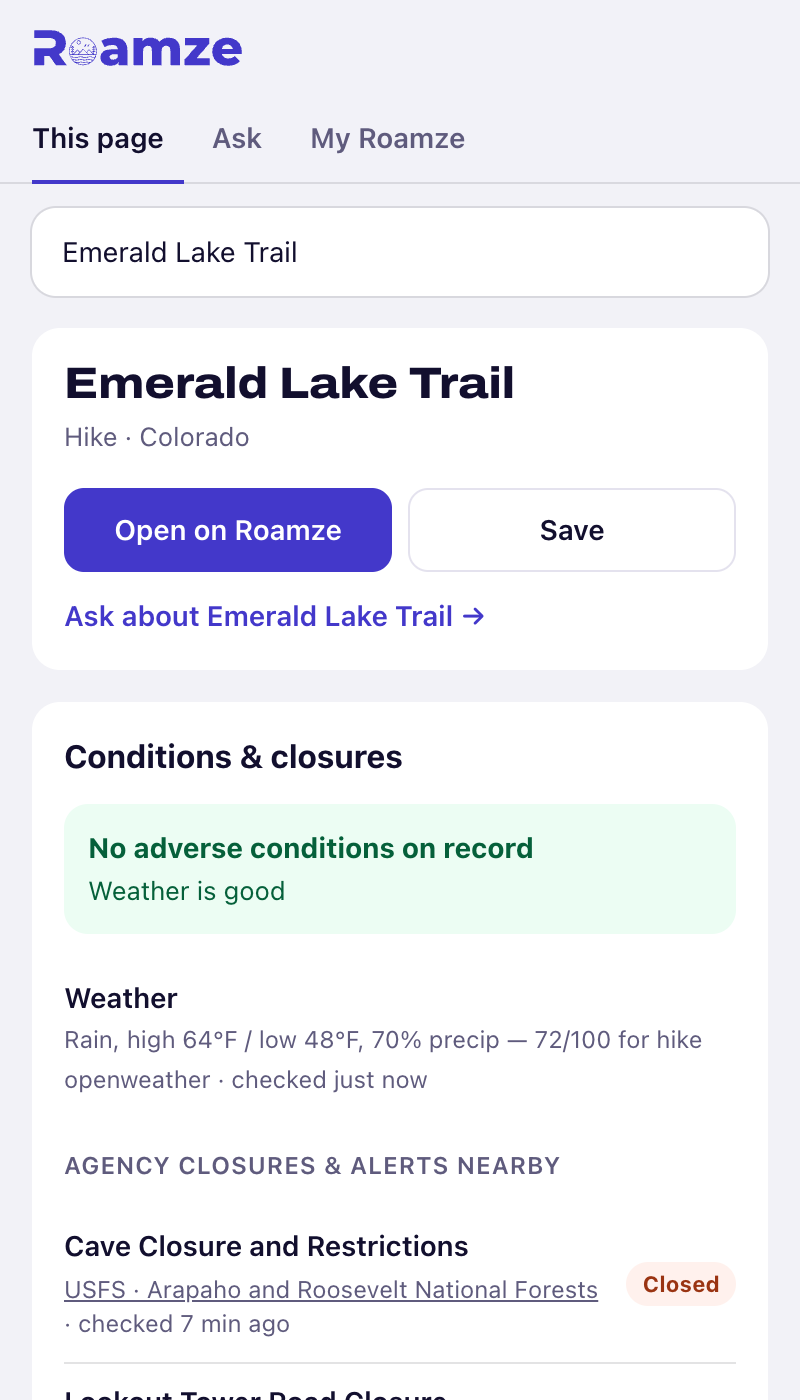
Check before you go.
On a trail or park page, open the Roamze panel to see the closures and conditions land managers have posted nearby. Every item says where it came from and when it was last checked.
Ask Roamze
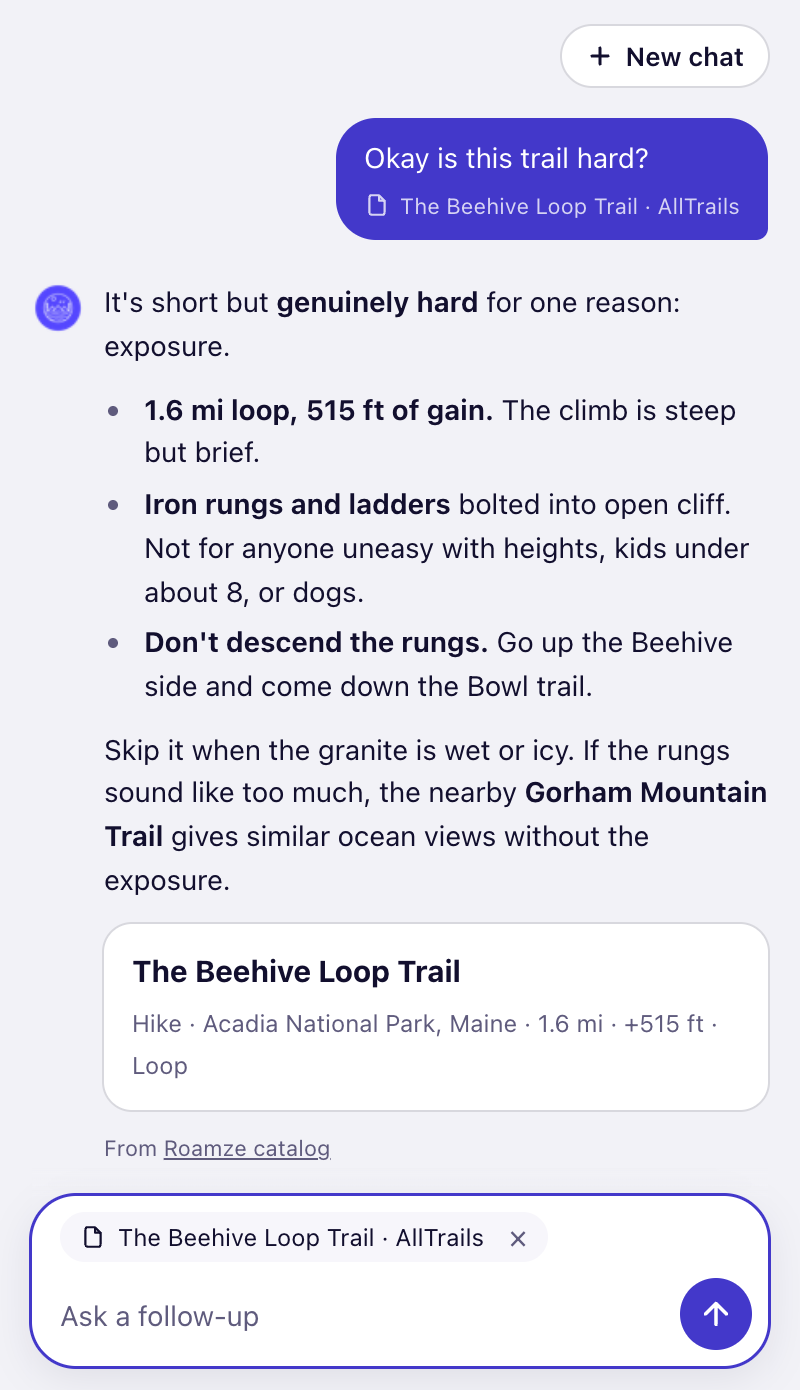
Ask about any trail page.
Reading a trip report or a trail page? Ask Roamze about it: how hard it is, what to pack, whether it's a good trip this weekend. Answers link to every place they mention. Asking needs a free account.
Also in the box
- Highlight any trail, park or campground name, right-click, and pick Look up on Roamze.
- Open it anywhere with Alt+Shift+R (⌥⇧R on a Mac).
- Campsite alerts work without an account. Sign in to keep them, and your saved trails, in one place.
What it reads
Only what it needs: a page’s address and title on the sites it works with, and a page’s text only when you ask about that page. Nothing in the background, and never your browsing history. Read the details.
Questions
- Is it free?
- Yes. The extension, campsite alerts and the conditions panel are free. Asking questions needs a free Roamze account.
- Does it book campsites for me?
- No. Roamze watches Recreation.gov and emails you when a site opens for your dates. You book it on Recreation.gov yourself.
- Which browsers does it work in?
- Chrome and Microsoft Edge on a computer. It doesn't run on phones.
- Does it read my browsing?
- No. It reads a page's address and title on Recreation.gov, AllTrails, NPS.gov and the Forest Service site to look that place up. It reads a page's text only when you send a question with the page attached, and never in the background.
Get outside. We’ll watch the campsites.
Works in Chrome and Microsoft Edge on a computer.